Things you can ask for
Explore example requests for creating art, preparing reports, managing your studio, and more.
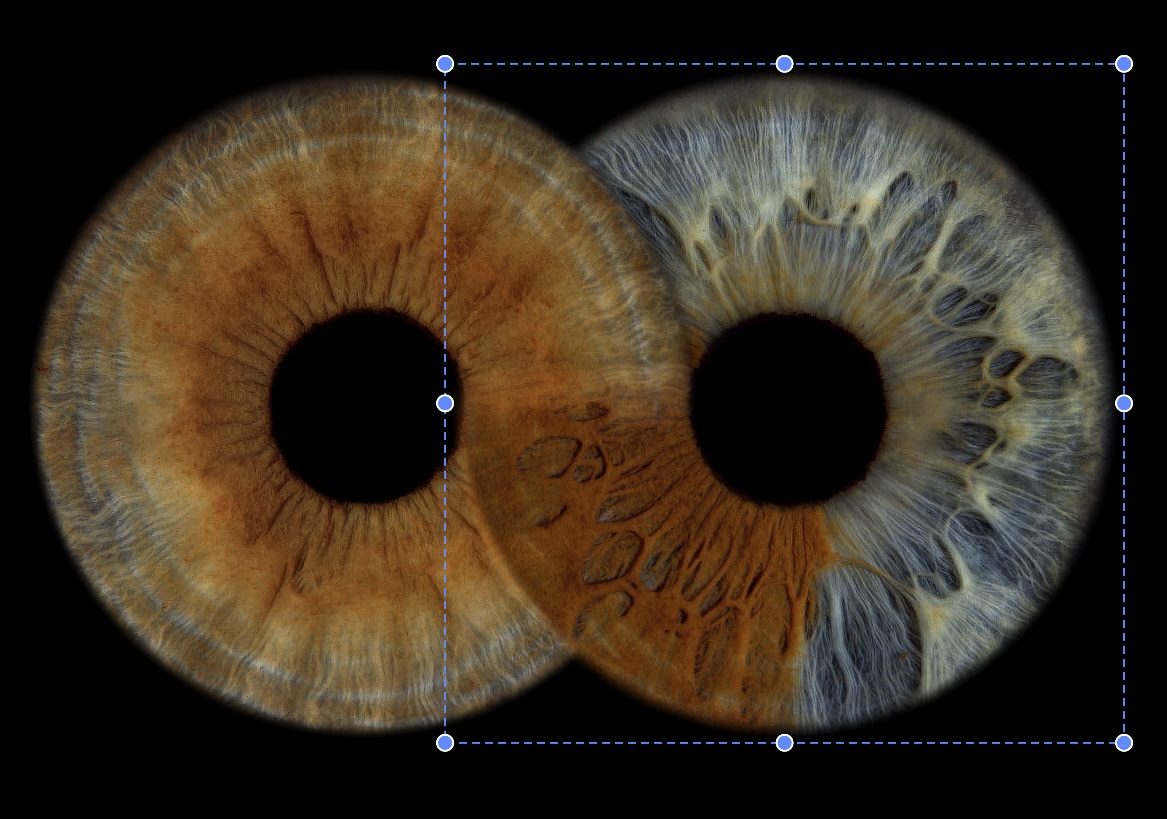
Iris art design
Try askingCreate a two-iris art draft with a dark background and a subtle golden glow.
Then askReduce the glow and move the irises closer together. Update this same art preview.
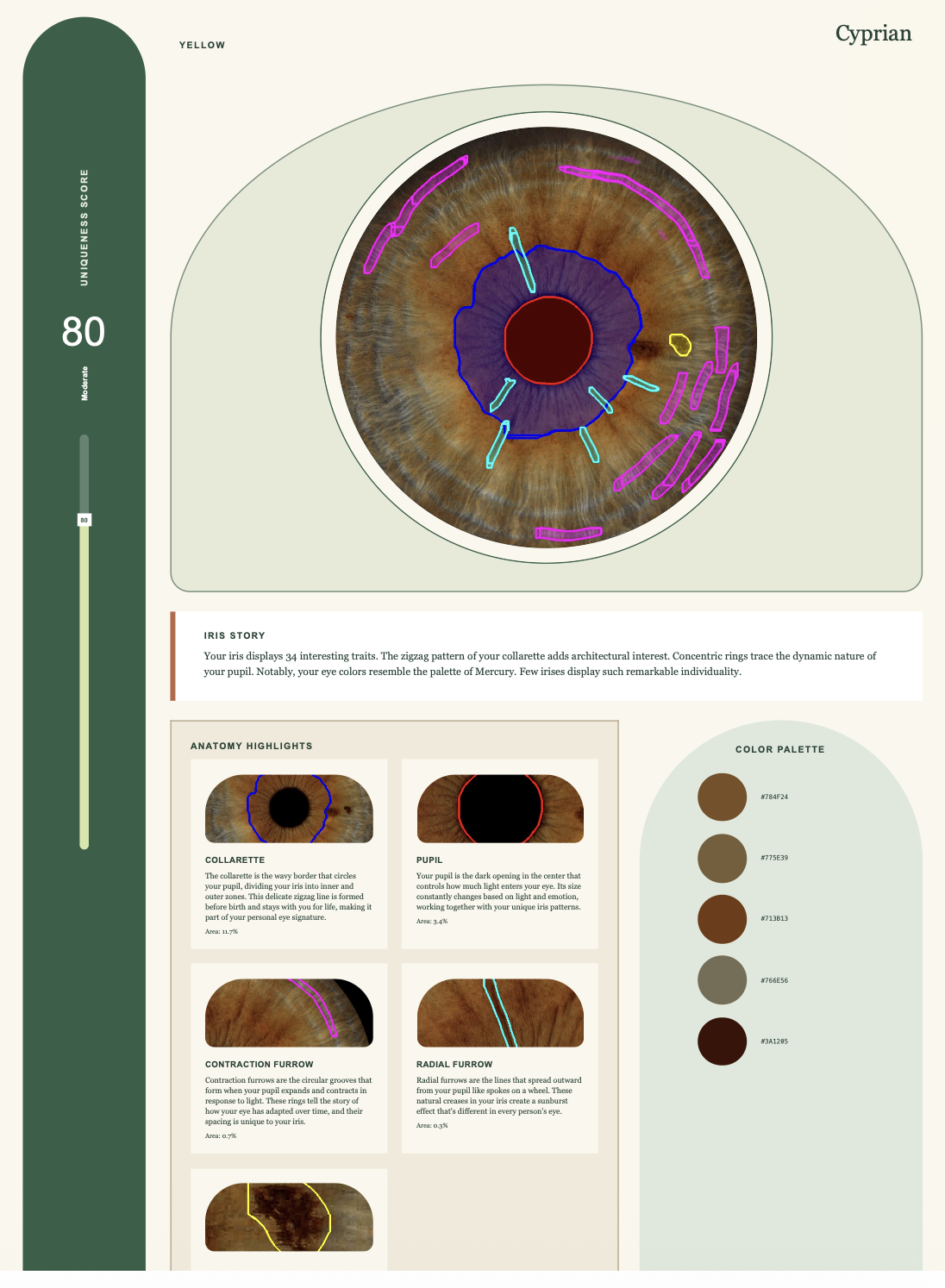
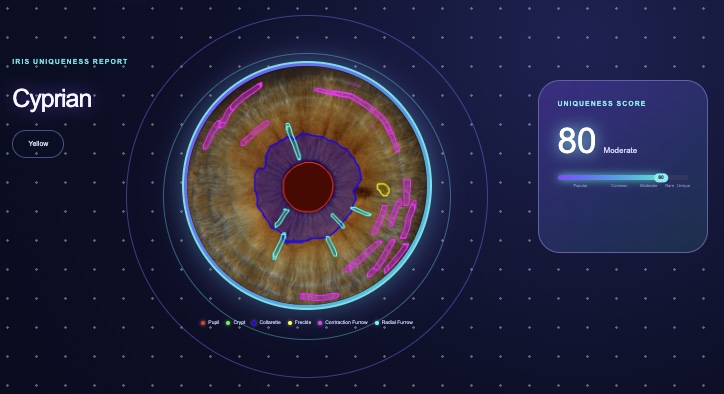
Design custom iris reports
Try askingDuplicate my published iris report and create a more minimal draft. Show me a PDF preview.
Then askShow the publication preview for this draft, then help me make it the default report.
Compose thoughtful emails
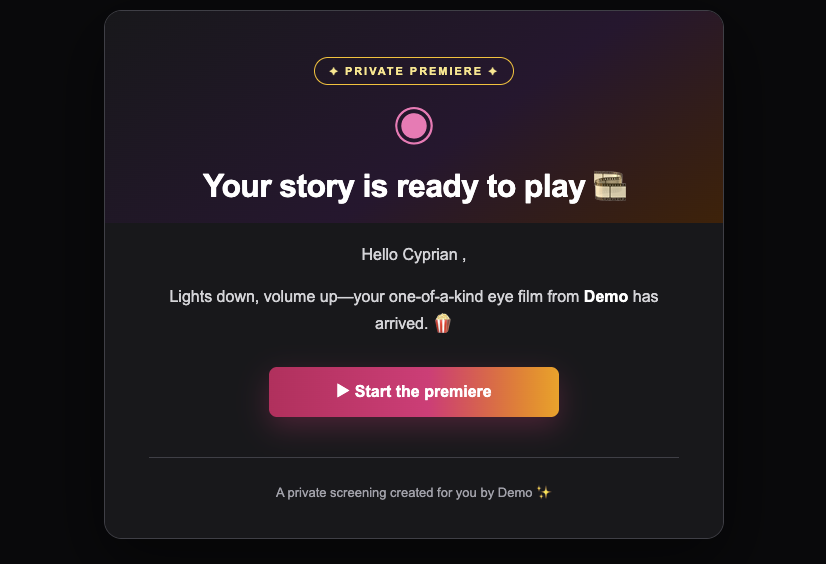
Try askingPrepare an iris-report email for Alex with a warm introduction. Show me the preview before sending.
Then askShow me the recipients, subject and full message before I approve sending.
Understand your studio
Try askingSummarize my studio’s photo activity for September 1–30.
Then askCompare that with the previous month and show estimated time savings.
Find the details that matter
Try askingFind the photos for customer Alex and check whether the Autumn Event is ready to export.
Then askShow Alex’s latest photo preview and its edit-history summary.
Explain and change your settings
Try askingExplain my studio’s current settings, then help me change its language to Spanish and timezone to Europe/Madrid.
Then askShow the proposed booking-page text and export-size changes before applying them.
Set up your integrations
Try askingShow my integrations and help me connect Gmail to this studio.
Then askShow my Mailchimp audiences and prepare a preview of changing the selected audience.
Have a voice in what comes next
Try askingFind requests about photo exports and show me the team’s replies.
Then askHelp me draft a reply and follow this request for updates.
Connect and choose a studio
Try askingWhich studios can I access, and what can I do in each?
Then askUse my Málaga studio for this conversation.
Export event artwork
Try askingCheck the Autumn Event’s customer readiness and existing artwork.
Then askPrepare an artwork export and show the download links when it is ready.
Organize studio resources
Try askingShow my products, categories and photo presets.
Then askPrepare a preview of adding a product and assigning its image.
Manage your team
Try askingShow my team and explain each permission group.
Then askPrepare an invitation for Alex at alex@example.com in the photographer group.
Set up customer-email domains
Try askingShow my email-domain status and the DNS records I need.
Then askCheck verification after I add the records with my DNS provider.
Review storage retention
Try askingShow my retention settings and what a shorter period would affect.
Then askPreview changing the retention period without deleting anything yet.
Get technical guidance
Try askingShow me the Eye.Photo API documentation.
Then askExplain which effects and fields are supported in custom iris art.


 ChatGPT